
Start with the condition you need to check
Published by Simple Ping. Official plan information checked on .
This comparison covers documented pricing and capabilities, with recommendations for a person managing websites and servers. Simple Ping is one of the products compared and publishes this guide. The comparison does not include a measured test of competitors’ reliability or email delivery speed.
A “ping service” can mean several things. ICMP checks network reachability, TCP checks whether a port accepts a connection, and HTTP checks a web response. A text check can detect an incorrect page even when HTTP succeeds. To verify a checkout or a login sequence, consider a browser transaction monitor.
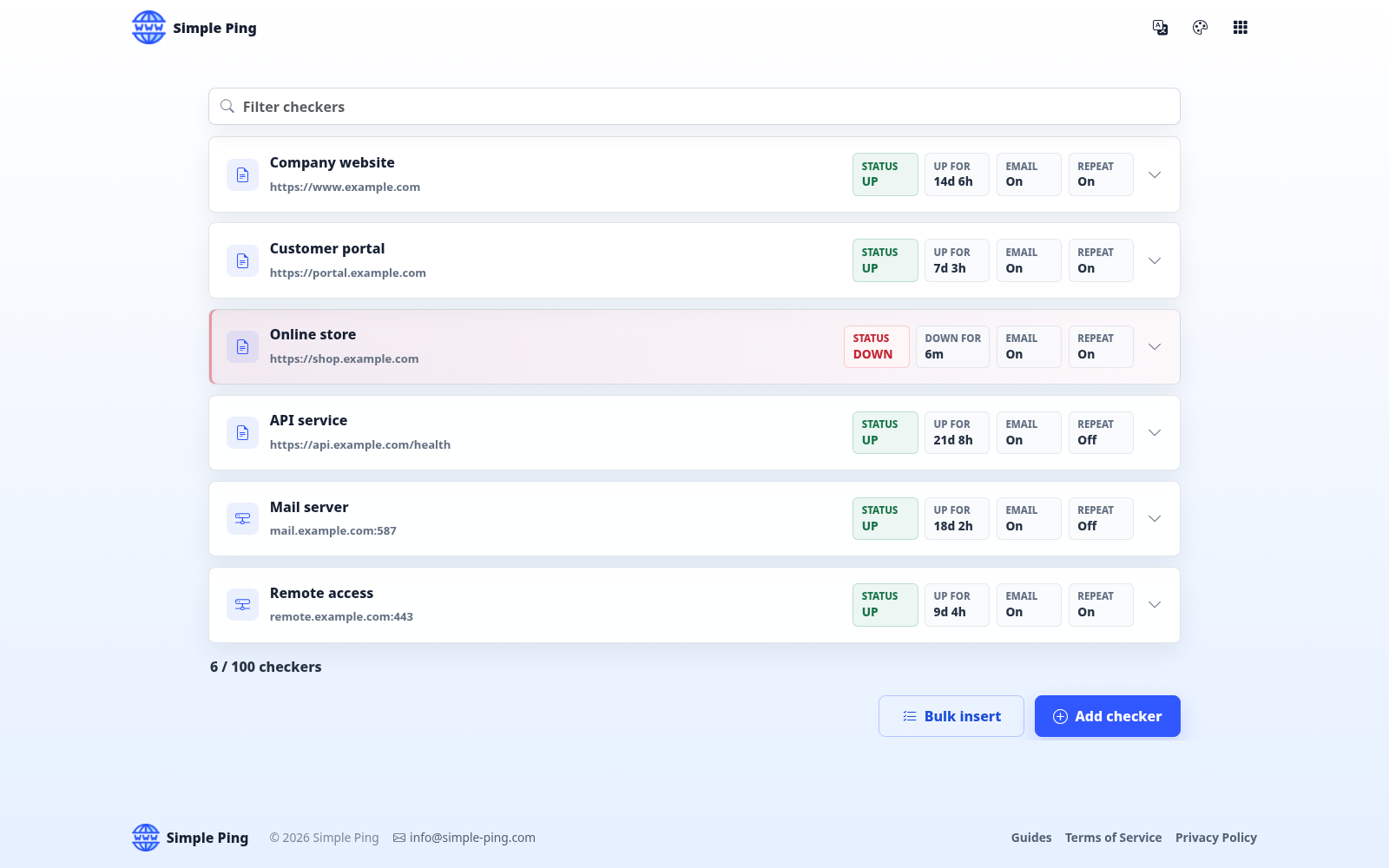
Simple Ping provides public webpage and TCP port checks, plus heartbeats submitted by your scripts. Its JSON API manages checkers; it is distinct from a monitor that signs in to a private API or validates a complex JSON response. How webpage text checks work.
Prices, monitor limits, and check intervals
These are selected starting configurations, with the currency shown for every price. Annual figures are monthly equivalents paid with an annual commitment. UptimeRobot served EUR prices during this review; its local pricing can differ. Figures are not currency conversions, and taxes and optional add-ons are excluded.
| Service / plan | Monthly | Annual, per month | Included | Interval |
|---|---|---|---|---|
| Simple PingStandard | 5 USD | Monthly billing | 100 checkers | 60 s |
| UptimeRobotSolo | 10 EUR | 9 EUR | 10 monitors | 60 s |
| Better Stack1 responder | 34 USD | 29 USD | 10 monitors; extra packs available | 30 s |
| PingdomSynthetic Monitoring | 18 USD | 16.50 USD | 10 uptime + 1 advanced check; 50 SMS alerts | 60 s |
| Uptime KumaSelf-hosted | No license fee | Hosting extra | Capacity depends on your host | Configurable; 20 s advertised |
Free plans and trials
- UptimeRobot Free : 50 monitors at five-minute intervals, positioned for personal and nonprofit projects.
- Better Stack Free : 10 monitors at three-minute intervals, with email and Slack alerts.
- Simple Ping : three-month trial, then USD 5 per month for up to 100 checkers. No card is required to start.
- Uptime Kuma : free software; budget separately for hosting, updates, backups, and notification delivery.
Intervals describe scheduled checks, not a guaranteed notification deadline. Retries, confirmation thresholds, request timeouts, and delivery all affect when an alert arrives. Interval references: Better Stack, Pingdom.
Compare checks and notification options
| Service | Checks | Alerts and operations |
|---|---|---|
| Simple Ping | Public HTTP(S), page text, TCP ports, and heartbeats. | Email with optional repeat alerts. |
| UptimeRobot | HTTP(S), keyword, ping, ports, API, DNS and expiry checks; varies by plan. | Email and integrations; SMS/voice credits. Solo includes three status pages. |
| Better Stack | HTTP(S), keyword, TCP/UDP, DNS and more; browser transactions are separately metered. | Email, SMS, calls, push and integrations; on-call incident management. |
| Pingdom | Websites and network protocols; advanced checks cover speed or transactions. | Email and SMS; public status pages and reports. RUM is a separate product. |
| Uptime Kuma | HTTP(S), TCP, keywords, JSON, ping, DNS, Docker and push. | SMTP and many notification providers; status pages. You operate the installation. |
Choose alert channels around the person responsible for the incident. Email may be enough for a solo operator. A team with night shifts may need phone alerts, escalation rules, acknowledgements, and an on-call schedule. A public status page serves a different audience: your customers.
A practical budget for 100 monitors
Suppose one person needs 100 public targets checked at least every minute. The starting prices above cover different quantities, so build a configuration that meets that requirement:
- Simple Ping : USD 5/month covers all 100 targets at 60 seconds, with email alerts.
- UptimeRobot Team : EUR 41/month, or EUR 35/month billed annually, covers 100 monitors at 30 seconds and includes three login seats.
- Better Stack : one responder plus two extra packs of 50 monitors gives 110-monitor capacity. That configuration calculates to USD 34 + 25 + 25 = 84/month, or USD 71/month with annual billing, before other add-ons.
- Pingdom : the 100-uptime-check selection is USD 149/month with monthly billing. It also includes 20 advanced checks and 350 SMS alerts.
- Uptime Kuma : there is no hosted subscription to compare. Estimate the infrastructure and operating time for your own installation.
These configurations meet the monitor-count example but include different services, speeds, and currencies. A higher price can be justified by capabilities you need. Count each URL or host/port test separately: monitoring both a website and its mail server normally uses two checks.
Which service fits your work?
- Simple Ping : a focused option for one person who wants email alerts, webpage/TCP checks and heartbeats. Groups, bulk insert, incident notes and XLSX exports support daily work. Choose another tool for ICMP, UDP, private-network probes, public status pages or on-call escalation.
- UptimeRobot : consider it for a hosted service with a free entry point, status pages, and a wider choice of monitor types.
- Better Stack : consider it when monitoring needs to connect to team incident response and on-call work.
- Pingdom : consider it when uptime, page speed, and transaction checks belong in the same purchasing decision.
- Uptime Kuma : consider it when you want to run monitoring yourself, including from a network you control.
Before you switch monitoring services
- List the checks you actually need: public page, expected text, TCP port, scheduled job, private endpoint, or browser workflow.
- Confirm your required interval, alert recipients, retention period, and total price for the right number of monitors.
- Run a controlled failure and recovery on a test target you own. Check the incident explanation and verify that the notification reaches you.
- Keep the previous monitoring active during the evaluation. For self-hosting, plan an independent way to detect failure of the monitoring host itself.
Return to the linked vendor pricing pages before subscribing. Plans, quotas, and regional prices can change after this review date.